
AI Prompts for AI Professional Headshot Prompts
20 of the best prompts for AI professional headshot prompts, step by step across 4 stages. Works with ChatGPT, Claude, and Gemini.
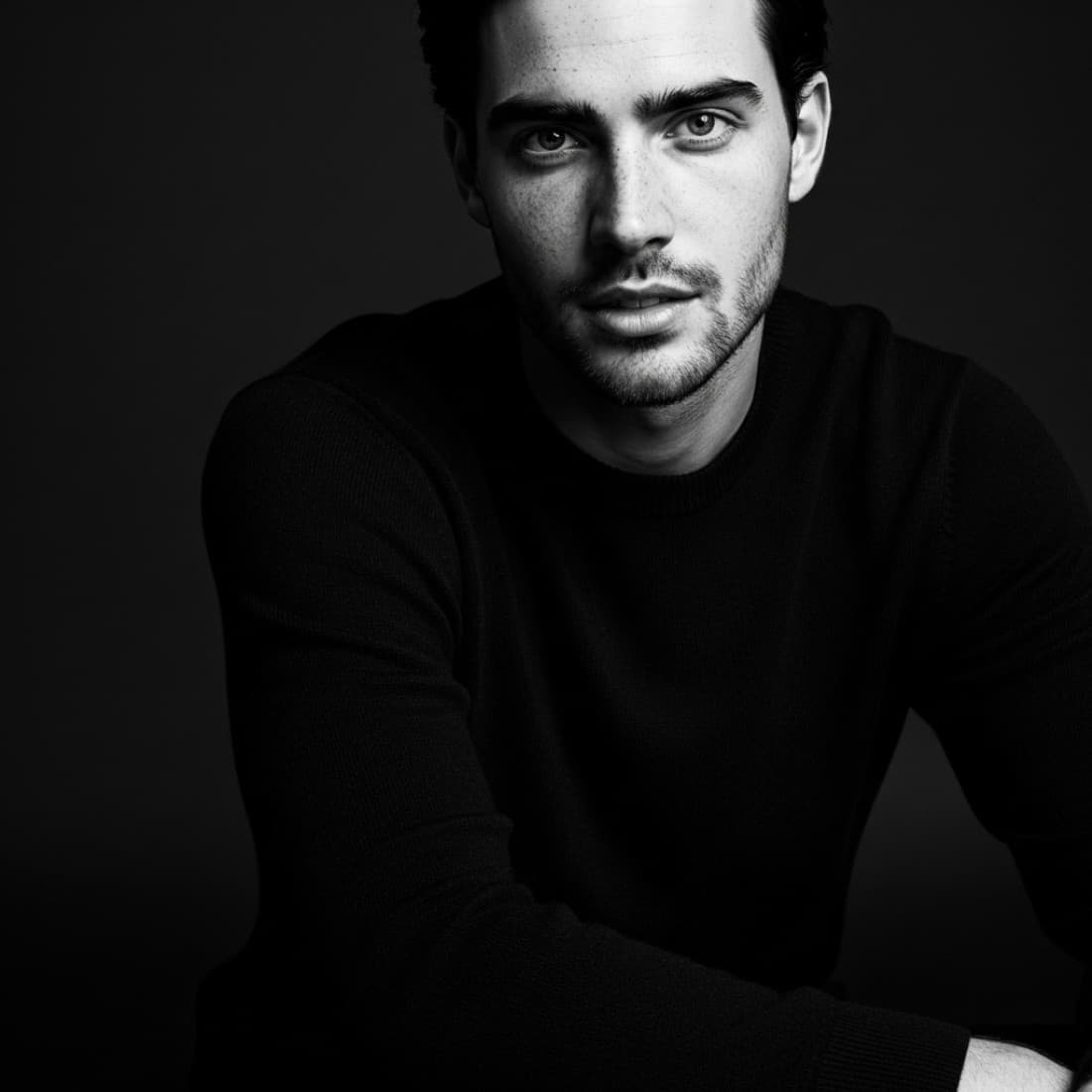
AI Prompts for AI Professional Headshot Prompts
20 of the best prompts for AI professional headshot prompts, step by step across 4 stages. Works with ChatGPT, Claude, and Gemini.
Published July 14, 2026 · Updated July 15, 2026
Whether you are using Midjourney, ChatGPT Images, Adobe Firefly, or any other AI image tool, the fundamentals of a great professional headshot are the same: right attire, right lighting, right expression, right background. These prompts work across tools and help you generate a headshot that actually looks professional rather than AI-generated.
Define what you need
Start with use case and audience before thinking about aesthetics.
Identify your headshot use case
I need a professional headshot for [USE CASE: LINKEDIN PROFILE, COMPANY WEBSITE BIO, CONFERENCE SPEAKER PROFILE, PRESS KIT, EMAIL SIGNATURE, PODCAST GUEST APPEARANCE]. My industry is [INDUSTRY] and my title is [TITLE]. Help me define: what level of formality my headshot needs, what background best fits my context, and what expression will resonate with the people who will see it. Give me a clear brief before I start generating.
Set the professional level
I am a [ENTRY LEVEL/MID-CAREER/SENIOR/EXECUTIVE] professional in [INDUSTRY]. Generate a headshot brief that matches the visual standard for my level. What attire, background, and expression do professionals at my level typically use in [INDUSTRY]? Give me a one-paragraph description I can use as my AI generation prompt.
Choose the right tool for your use case
I want to generate a professional AI headshot. I am considering: Midjourney (highest realism, requires prompt engineering), ChatGPT Images (simpler to use, less control), Adobe Firefly (more conservative, less likely to look AI-generated on first try), or a dedicated AI headshot service like Aragon or HeadshotPro. My technical comfort level is [BEGINNER/INTERMEDIATE]. Which tool fits my need and skill level for a [CONTEXT] headshot?
Build your generation brief
Build a complete AI generation brief for my professional headshot. Include: 1) Person description: [AGE RANGE, GENDER, GENERAL APPEARANCE]. 2) Attire: [DESCRIBE]. 3) Background: [DESCRIBE]. 4) Lighting: [STUDIO/NATURAL/OFFICE]. 5) Expression: [DESCRIBE]. 6) Framing: [HEAD AND SHOULDERS/UPPER BODY]. 7) Quality markers: photorealistic, professional photography, sharp focus on face. Combine into a single prompt I can paste into an AI tool.
Identify what makes your headshot stand out
I work in [INDUSTRY] and my target audience on LinkedIn is [AUDIENCE: RECRUITERS, CLIENTS, INVESTORS, PEERS]. What visual elements will make my headshot memorable and appropriate for this audience? Consider: how competitors or peers typically present, what signals convey credibility in this field, and what differentiates a headshot that gets clicked versus one that gets skipped. Give me three specific, concrete differentiators to build into my prompt.
Generate and iterate
Build the core image and iterate on the elements that matter most.
Generate the base headshot
Generate a professional headshot of a [MAN/WOMAN/PERSON], [AGE RANGE], wearing [ATTIRE]. Background: [BACKGROUND DESCRIPTION]. Lighting: [LIGHTING STYLE]. Expression: [EXPRESSION DESCRIPTION]. Framing: head and shoulders, centered, slight angle to avoid flat composition. High resolution, sharp focus on face and eyes, photorealistic, professional photography quality. No stock photo look, no AI artifacts, no plastic skin texture.
Improve the expression
My generated headshot has the right attire and background but the expression is [TOO STIFF/TOO FORCED/TOO BLANK/TOO CASUAL]. Regenerate keeping all other elements identical but change the expression to: [TARGET: CONFIDENT AND WARM, COMPOSED AND DIRECT, GENUINE SMILE THAT REACHES THE EYES, THOUGHTFUL AND ENGAGED]. Do not change the attire, background, or framing. Only adjust the facial expression and what it communicates.
Adjust the background without regenerating the full image
I have a good base headshot but the background is [PROBLEM: TOO BUSY, WRONG COLOR, TOO CASUAL, TOO ARTIFICIAL LOOKING]. Replace the background with: [TARGET: PLAIN CHARCOAL GREY, SOFT BLURRED OFFICE, OUTDOOR NATURAL LIGHT BOKEH, DARK NAVY GRADIENT]. Keep the person, attire, expression, and lighting exactly the same. Use inpainting or background replacement to swap only the background.
Fix realism issues
My AI headshot has [PROBLEM: PLASTIC SKIN TEXTURE, SLIGHTLY OFF EYES, STRANGE HAIR EDGES, UNNATURAL HANDS VISIBLE, OVER-LIT FACE]. Fix this specific issue: if skin texture, add natural pore detail and subtle imperfections. If eyes, use inpainting to correct asymmetry or catch lights. If hair, regenerate with "clean hair edge separation, realistic individual strands". If hands, remove them from the frame entirely. Address only the problem area.
Generate multiple options to test
Generate a set of four professional headshot variants for me to test. Keep the person and industry context the same. Vary: Variant 1: formal attire, dark background, authoritative expression. Variant 2: business casual, light background, warm approachable expression. Variant 3: smart casual, outdoor natural context, confident casual expression. Variant 4: formal attire, light background, composed neutral expression. I will select the best or A/B test two options.
Optimize for each platform
The same headshot may need different crops and treatments for different platforms.
Prepare for LinkedIn
Optimize my professional headshot for LinkedIn: crop to 1:1 square, minimum 400x400 pixels. Ensure the face fills 60 percent of the frame. Check that eyes fall in the upper third. Verify the photo reads clearly at 60x60 pixel thumbnail size. LinkedIn shows profile photos in circular crop on some views, so ensure there are no important visual elements near the corners that the circle will cut off.
Prepare for a company bio page
Company bio pages often use a different crop than LinkedIn, typically 3:4 portrait or 1:1 with more upper body visible. Generate a version of my headshot with more torso visible: upper body shot showing jacket lapels or full collar, wider framing, same expression and background as my LinkedIn version. This gives the designer flexibility when placing my photo on the bio page.
Create a speaker or press photo
Speaker and press photos need more visual presence than a tight LinkedIn headshot. Generate a version with: wider framing (upper body to waist), slight environmental context if possible (stage, podium, professional setting), stronger visual contrast for print use, slightly more dramatic lighting than a standard headshot. The person should look like someone who commands a room and is worth photographing.
Adapt for an email signature
Email signatures usually show headshots at 80-120 pixels wide, in a rectangular horizontal crop. Generate a version optimized for this: tight circular or square crop on the face, maximum contrast for clarity at small size, plain background that works on both white and dark email clients. File size should be under 100KB. Avoid complex backgrounds that look muddy at small sizes.
Build a consistent cross-platform visual set
I need a cohesive set of professional headshots for: LinkedIn (1:1 tight), website bio (3:4 portrait, upper body), Twitter/X profile (1:1, slightly wider), email signature (small, high contrast), conference speaker bio (rectangular, environmental). Generate all five from the same base concept: consistent attire, lighting, expression, and background color palette. Only the framing and crop changes between uses.
Evaluate and maintain
Make sure your headshot is working and plan for how to keep it current.
Evaluate your headshot against competition
Compare my current professional headshot to what top professionals in [INDUSTRY] at [LEVEL] typically use. My headshot: [DESCRIBE: ATTIRE, BACKGROUND, EXPRESSION, OVERALL VIBE]. Specifically tell me: does my headshot read as the right level of seniority, the right industry, and the right personal brand? What are the three most impactful changes that would make it competitive with the best headshots in my field?
Get a first impression test
Show my professional headshot to someone unfamiliar with my work and ask them: What industry do they think I work in? What seniority level do they perceive? What three words would they use to describe me from the photo alone? Compare their answers to my intended industry ([INDUSTRY]), intended level ([LEVEL]), and three words I want to be known for ([WORDS]). Gaps between intended and perceived reveal what to fix.
Plan a headshot refresh cycle
Create a headshot maintenance plan. My current photo is [X YEARS OLD]. Set triggers for when I need a new headshot: appearance change threshold (significant hair, weight, or age difference), role change (new title, new industry, new company), active job search or major pitch cycle starting, more than 3 years since last photo. When any trigger is met, return to stage 1 and generate a new set of options.
Assess headshot ROI on LinkedIn
I updated my LinkedIn headshot [X WEEKS/MONTHS AGO]. Measure its impact: compare profile views before and after the change. Note any change in inbound connection requests, recruiter outreach, or content engagement. If no measurable improvement after 60 days, the headshot may not be the limiting factor, or it may need further iteration. Identify what else on my profile might be suppressing engagement despite a good headshot.
Future-proof your headshot strategy
AI headshot tools are improving rapidly. Build a forward-looking strategy: which AI tools are currently best for professional headshots ([YEAR]), what is the trend in AI realism that will make current best practices obsolete, and how should I think about AI-generated headshots versus real photography as quality converges? Give me a 12-month headshot strategy that stays current with tool improvements.
Frequently asked questions
Which AI tool produces the best professional headshots?+
Midjourney V8.1 currently produces the most photorealistic results when prompted with care. ChatGPT image generation (powered by GPT Image 2) is easier to use for less technical users. Dedicated services like Aragon AI or HeadshotPro are purpose-built and require only uploading your own photos. The best tool depends on your technical comfort, budget, and how much control you want over the output.
How do I make an AI headshot not look AI-generated?+
The key signals that reveal an AI headshot: overly smooth skin, slightly asymmetric or glassy eyes, unnatural hair edges, and too-perfect lighting. Fix these by: using "--style raw" in Midjourney, adding natural skin texture prompts, prompting for genuine expressions rather than posed smiles, and using inpainting to fix specific problem areas rather than regenerating the whole image.
Should I use AI for my headshot or hire a photographer?+
For most professional needs, AI-generated headshots are now indistinguishable from professional photography when done well. A real photographer is still better for: executive-level uses where authenticity matters most, when you need high volume of coordinated team photos, or when you want to use the real experience in the photo (like a genuine action shot on location). For LinkedIn and standard bios, AI is a valid and cost-effective choice.
Other prompt packages you might like
AI Prompts for Midjourney LinkedIn Headshot Prompts
Use Midjourney to generate polished, professional LinkedIn headshots with precise control over lighting, attire, background, and expression..
See prompts
AI Prompts for ChatGPT Images Prompts for Professional Headshots
20 ChatGPT Images prompts for professional headshots, LinkedIn portraits, corporate headshots, creative professional shots, and casual professional photos written in the conversational style that works best with GPT Image 2..
See promptsAI Prompts for AI LinkedIn Executive Headshot Prompts
Use AI image tools to generate executive-level LinkedIn headshots that project authority, trust, and the gravitas that senior roles demand..
See prompts